
Teen Patti Blue Login
Log in to your Teen Patti Blue account to access your profile, game lobby, tables, and account settings. Login happens inside the official app.
Download App to Log In
How to Log In to Teen Patti Blue
Login happens inside the app. Open the Teen Patti Blue APK on your Android phone and follow these steps.

| Step | Action | What to Do |
|---|---|---|
| 1 | Open the App | Tap the Teen Patti Blue icon on your Android device. |
| 2 | Enter Your Details | Type your email, username, or mobile number and your password. |
| 3 | Tap Log In | Hit the Log In button. Your profile and game lobby will open. |
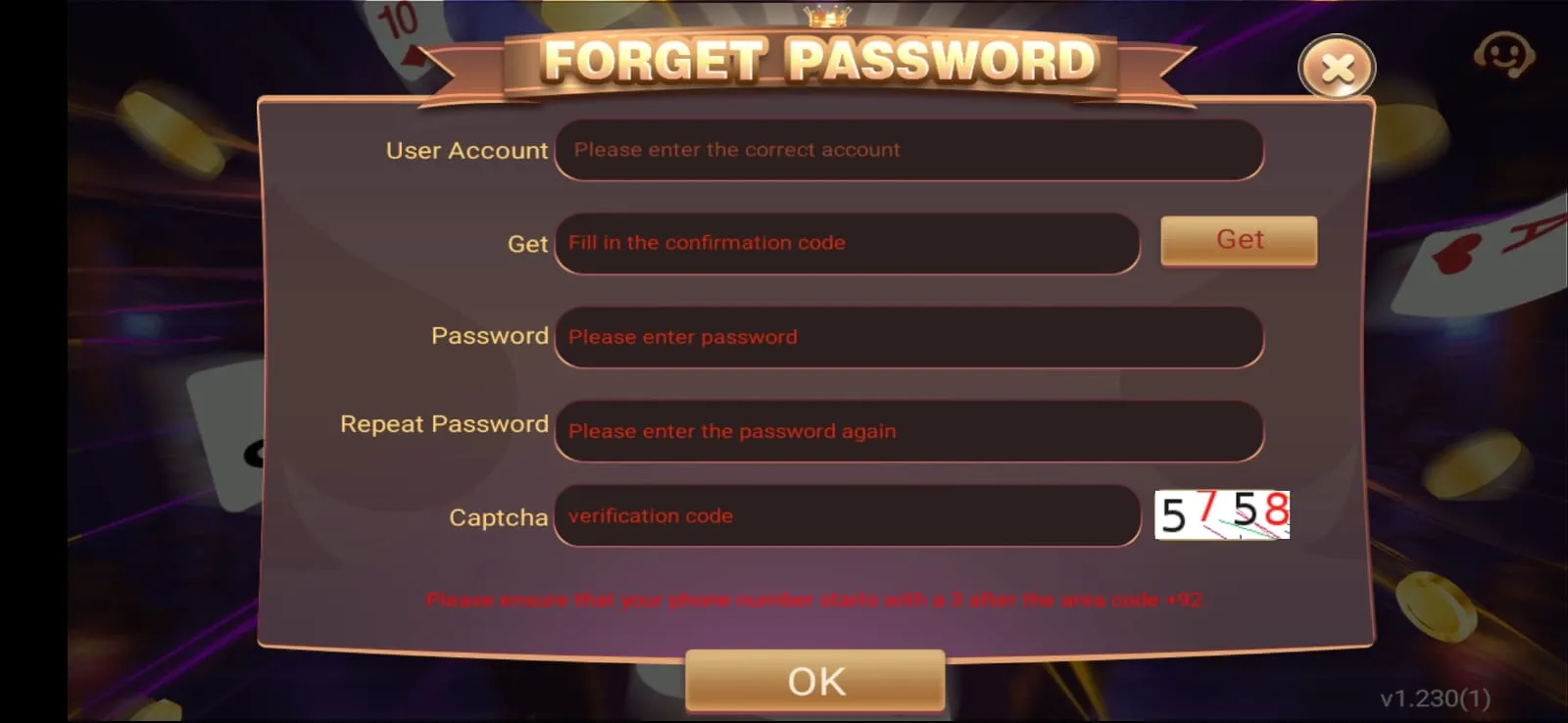
| ? | Forgot Password? | Tap Forgot Password on the login screen and follow the recovery steps. |
Having Trouble Logging In?
- Check that your username, email, or mobile number is correct.
- Make sure your password is entered correctly.
- Use Forgot Password if you cannot remember your password.
- If your account is locked or you cannot access it, contact support.
New to Teen Patti Blue?
Don't have an account yet? Create a Teen Patti Blue account to set up your profile and access the available game features.
Create AccountContinue Your Teen Patti Blue Account
After signing in, players can return to their account and access the parts of the platform available to them, including their profile and game lobby.
Keep Your Account Secure
Never share your password with another person.
Use your own account credentials only.
Log out when using a shared device.
Only enter login details on the official Teen Patti Blue app.
How to Create a Teen Patti Blue Account
New player? Here's how to sign up and get started.
Download the App
Get the Teen Patti Blue APK from our download page and install it on your Android device.
Open and Tap Register
Launch the app and tap Create New Account or Register on the main screen.
Enter Your Details
Fill in your mobile number or email address and create a password for your account.
Start Playing
Your account is ready. Enter the lobby, pick a table, and start your first game.
Login Troubleshooting
Can't sign in? Try these steps first.
Wrong username or email
Check your details. Try your mobile number, email address, and username to see which one your account is registered with.
Incorrect password
Passwords are case-sensitive. Check caps lock and try again. Use Forgot Password if needed.
Forgot your password
Tap Forgot Password on the app login screen and follow the steps to reset via your registered email or phone.
Account locked or suspended
If your account is locked after multiple failed attempts, wait a few minutes then try again or use account recovery.
App not connecting
Check your internet connection. Try switching between Wi-Fi and mobile data, then reopen the app.
Using an old APK
Older versions may block login. Download the latest version and try signing in again.
Teen Patti Blue Login FAQs
How do I log in to Teen Patti Blue?
Open the login page, enter your registered account details and password, then select Log In.
What if I forgot my Teen Patti Blue password?
Use the Forgot Password option on the login page and follow the available account-recovery steps.
Can I create a Teen Patti Blue account from the login page?
Yes. Use the Create Account or registration option if you are a new player.
Why can't I log in to my Teen Patti Blue account?
Check your login details first. If they are correct and access still fails, use account recovery or contact support.